Guide
How to Keep a Map of Every Country You Have Visited
August 28, 2026 · 4 min read
Everyone who travels ends up wanting the same object. A map of the world with the places they have been coloured in.
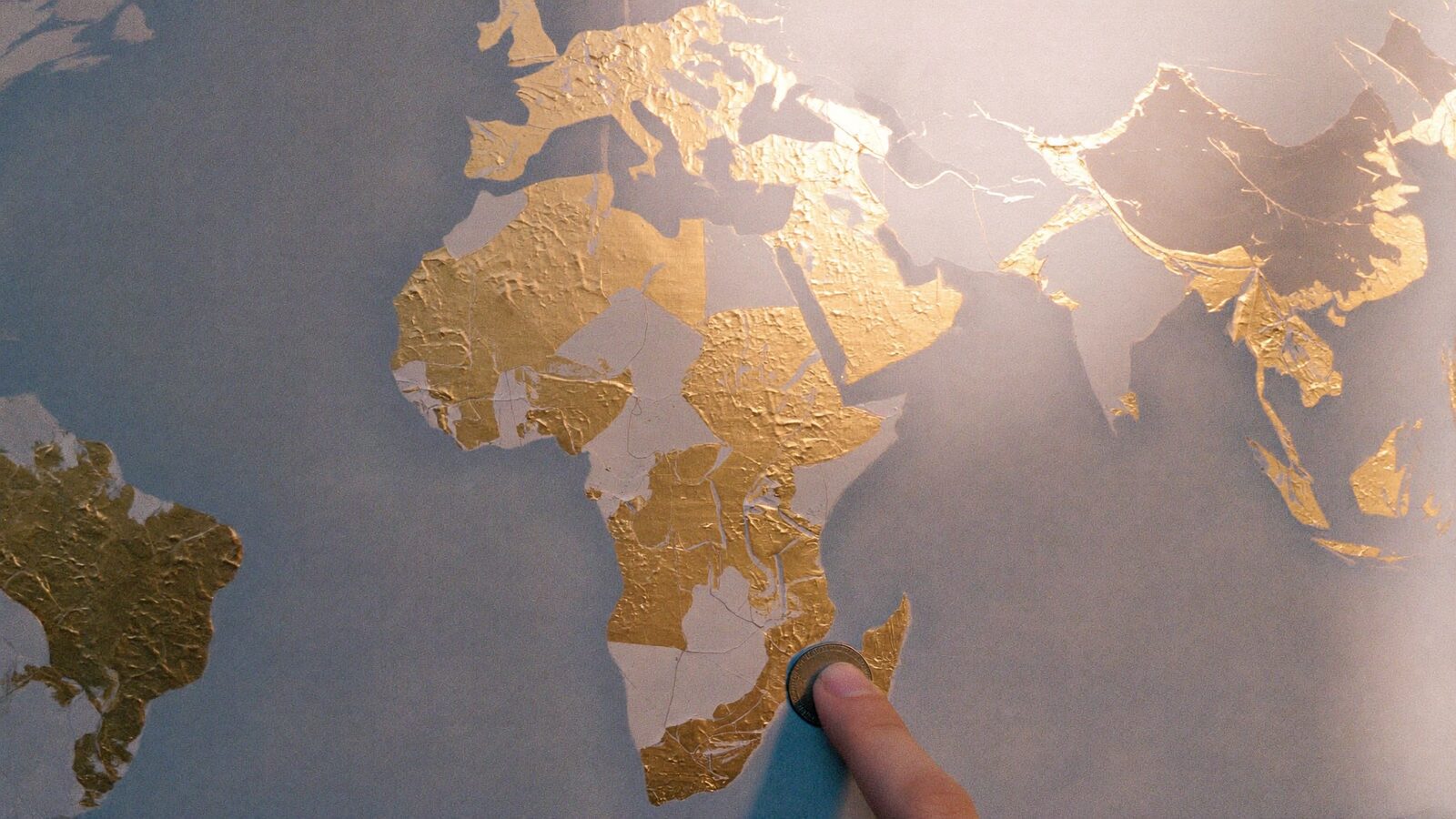
The poster version is lovely for about a year, until the foil flakes and you move house. The app versions ask you to tap every country yourself, from memory, which is how you end up with forty-three countries and no Luxembourg, because you drove through it in 2019 and forgot.
There is a more honest source, and you are carrying it.
Your photos draw the map
Every photo you have taken on a phone knows where it was taken. So does every video. That is the whole trick.
Open Explore in Dreamfare and switch the map to Scratch map. The app reads where your photos were taken and colours in the countries. Nothing leaves your phone. The first read of the camera roll takes a moment and only happens once. After that, new photos show up on their own, so a trip colours itself in while you are still on it.
You do not tap anything. You do not try to remember. The country you were in fills in because you stood in it with a camera.
Home is not travel
A scratch map filled in by the streets around your own flat is not a travel map. It is a map of where you buy milk.
So home is subtracted before anything else sees the roll. The app works out where your photos pile up and takes that area out, without asking. If it guesses wrong, one tap puts home back.
It knows the region, not just the country
Most maps stop at the country. Yours colours in the regions you were actually in, because the photos say so. A week in Kyoto colours Kyoto, not all of Japan.
A country you add by hand gets no regions. That is deliberate. It says "I was here" without pretending to know where.
Fixing what the photos got wrong
Photographs are the honest default, not the whole truth. There is the trip you took before you had a phone. The border you crossed with the camera in a bag. The country you only changed planes in and would rather not count.
Two buttons handle all of it. Add to my map, for the places the roll missed. Remove from my map, for the layover. Both survive every rescan. A correction you made by hand is never overwritten by the photos.
The number
Your profile shows how many countries, and what share of the world that is, out of the 195 there are. It is there from the moment you open the app, saved from the last time the map refreshed, and anyone who visits your profile sees it too.
It is a vanity metric. It is meant to be. Watching it move is half the reason to keep the map.
The map finds your trips
This is the part nobody expects.
The photos cluster. Four days in Portugal in June, eleven pictures a day, and the map reads that as a trip and lists it. Every trip it finds shows the country, the month, how many days and how many photos.
From there you can save it as a trip in Dreamfare, with your photos filed under the days you took them. Or ask it to build the itinerary from the photos: it works out what each cluster of pictures was, so the tower you photographed on the Tuesday lands on the Tuesday, named, in the plan.
Any trip with dates gets the same treatment. Plan or import a trip, give it dates, and the pictures from those days appear under the days on their own.
Play it back
Every trip the map finds can be played as a story. Your photos and clips, day by day, with the trip name at the foot. It is the holiday slideshow nobody has time to make, made.
And the map itself shares as a picture. Send it to the group chat and start an argument about who has been to more places.
What it cannot see
Photos without a location do not count. Screenshots, pictures forwarded on WhatsApp, and anything from an old camera have no coordinates in them, so those trips have to be added by hand.
If you only gave the app access to some of your photos, only those are counted. Full access in Settings scratches the whole map.
On Android the map needs the latest release, because reading photo locations is a permission the older builds did not ask for.
Start with what you already have
You do not have to do anything. Open the map once and the last ten years of holidays colour themselves in. Then add the two countries from before the phone, remove the airport you never left, and look at the number.
See where other people went in real itineraries by destination, or start planning the next country.