Plan in ChatGPT or Claude. Keep it in Dreamfare.
The Dreamfare connector turns AI chat plans into real, bookable itineraries. Your assistant reads and edits your trips, and every booking link still earns you commission back.
What it can do
Save plans as real trips
A plan made in chat becomes a Dreamfare itinerary: day by day, editable with your crew, on a map.
Edit everything
Rename, reschedule, move stops between days, manage the packing list, keep the trip notebook.
Import travel videos
Paste a TikTok, Instagram, or YouTube link. Dreamfare extracts the real places and their tips.
Book with commission back
Every bookable stop carries a tracked booking link. Book through it and you earn a share of the commission.
Live prices
Search real stays and activities with current prices, and attach a pick straight to a trip.
Plan with your crew
Invite friends by link or email, chat in the trip, vote on stops, and keep roles straight from the chat.
Share and copy trips
Publish a finished trip to a public link, browse what other travelers published, and copy any trip into your own plans.
Your tips notebook
Advice you save, and advice mined from imports, resurfaces whenever a trip goes somewhere it covers.
Receipts and essentials
Paste a booking confirmation to file it on the right stop. Get eSIM, rental car, and transfer links for the destination, and re-check hotel prices.
Notes become trips too
Paste a screenshot's text, a group chat, or your own notes and Dreamfare turns the places in them into pins.
Connect in ChatGPT
- Open ChatGPT settings, then Plugins.
- Search for Dreamfare Travel Assistant and choose Connect.
- Sign in to your Dreamfare account when asked. New here? Signing up takes a minute.
- In any chat, type @Dreamfare or just ask to plan a trip.
Connect in Claude
- Open Claude settings, then Connectors.
- Choose Add custom connector.
- Name it Dreamfare and paste
https://api.dreamfare.app/mcpas the URL, then Add. - Press Connect and sign in to your Dreamfare account.
Works on claude.ai, Claude Desktop and the Claude mobile apps, on every Claude plan. Free accounts can hold one custom connector, so make it this one.
Using another MCP client, such as Cursor, VS Code or a coding agent? Add a remote server at https://api.dreamfare.app/mcp (streamable HTTP). Dreamfare is also listed in the official MCP Registry as app.dreamfare/mcp. Authentication is OAuth: your assistant never sees your password, and you can disconnect it anytime from your assistant’s settings. The interactive trip cards appear in ChatGPT and Claude; other clients get the same tools as text.
Things to try
Every answer comes back as an interactive card you can act on without leaving the chat. These are real results for the prompts above them.
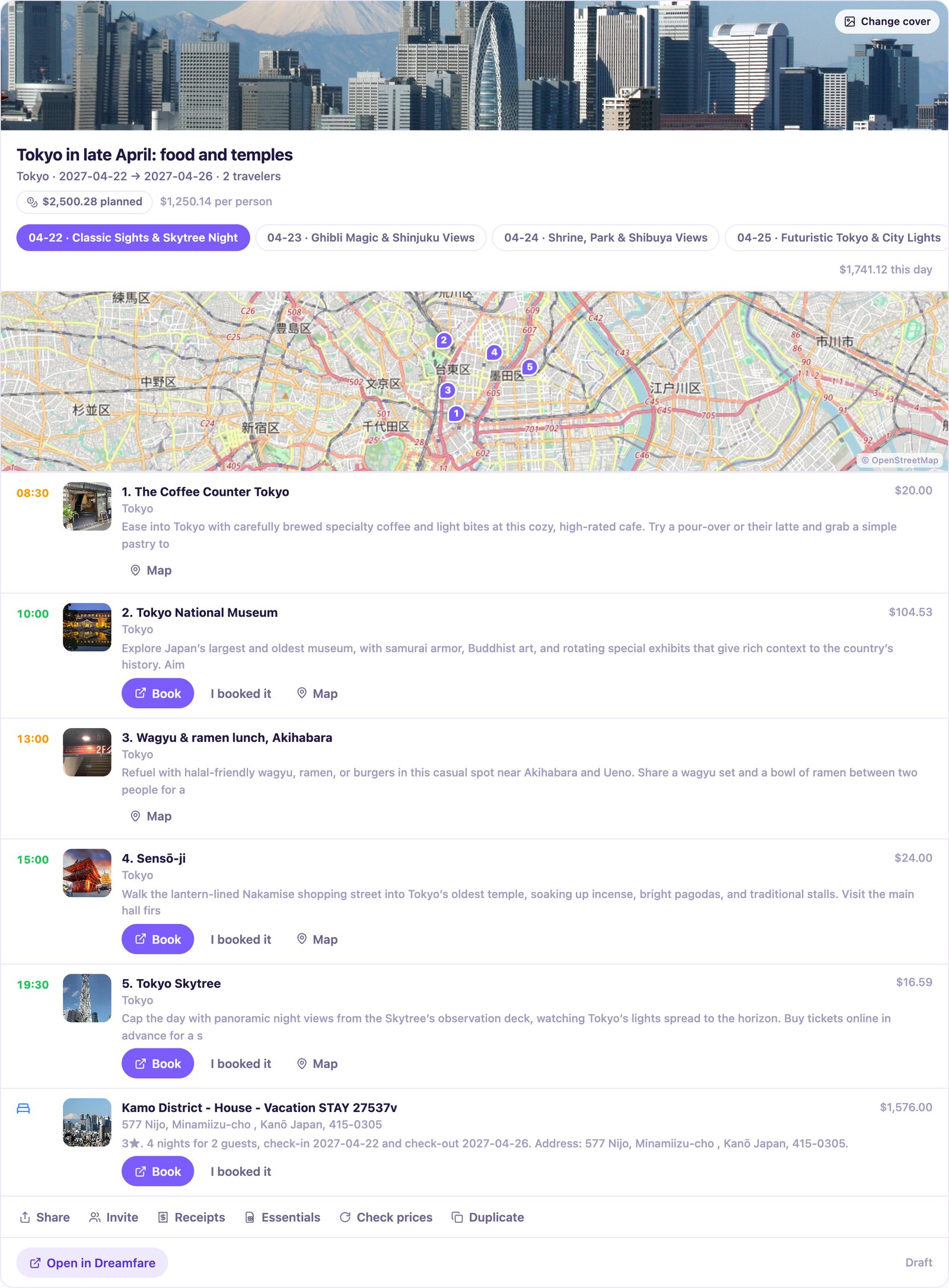
Plan 5 days in Tokyo for late April with a mix of food and temples, then save it to Dreamfare.
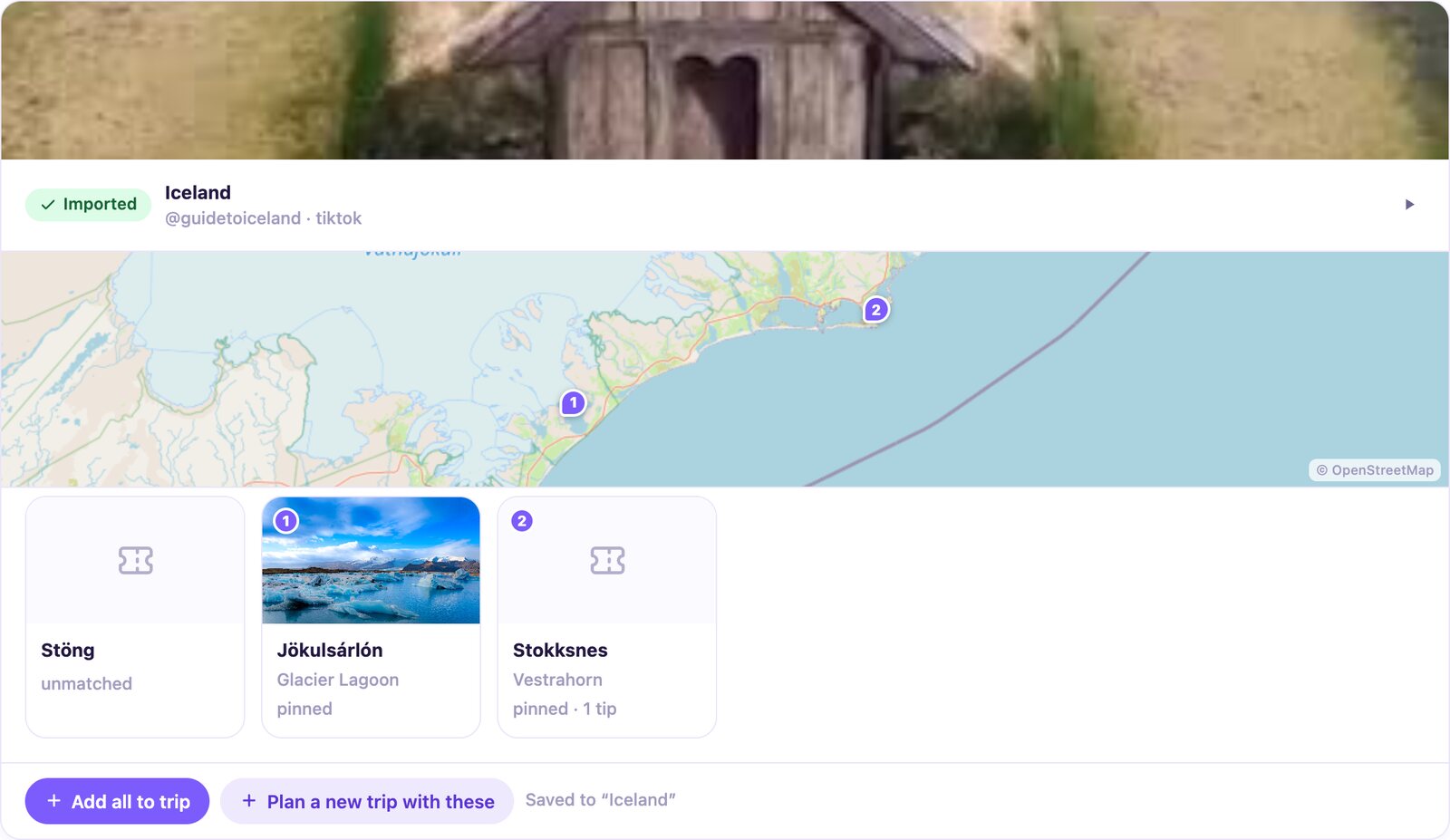
Import this TikTok and tell me which places are worth a day trip: <paste link>
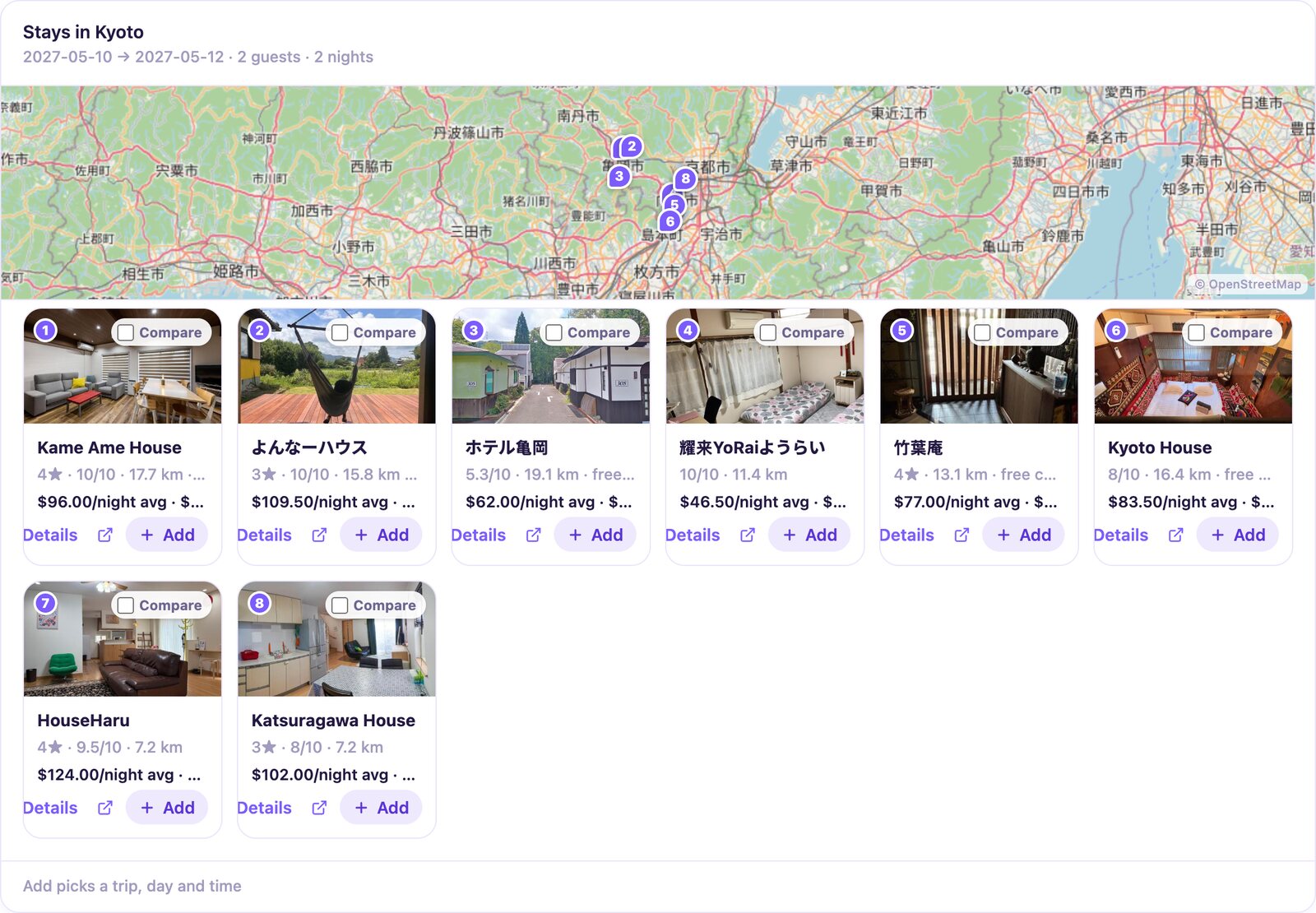
Find a hotel in Kyoto for May 10 to 12 under $200 a night and add the best one to my trip.
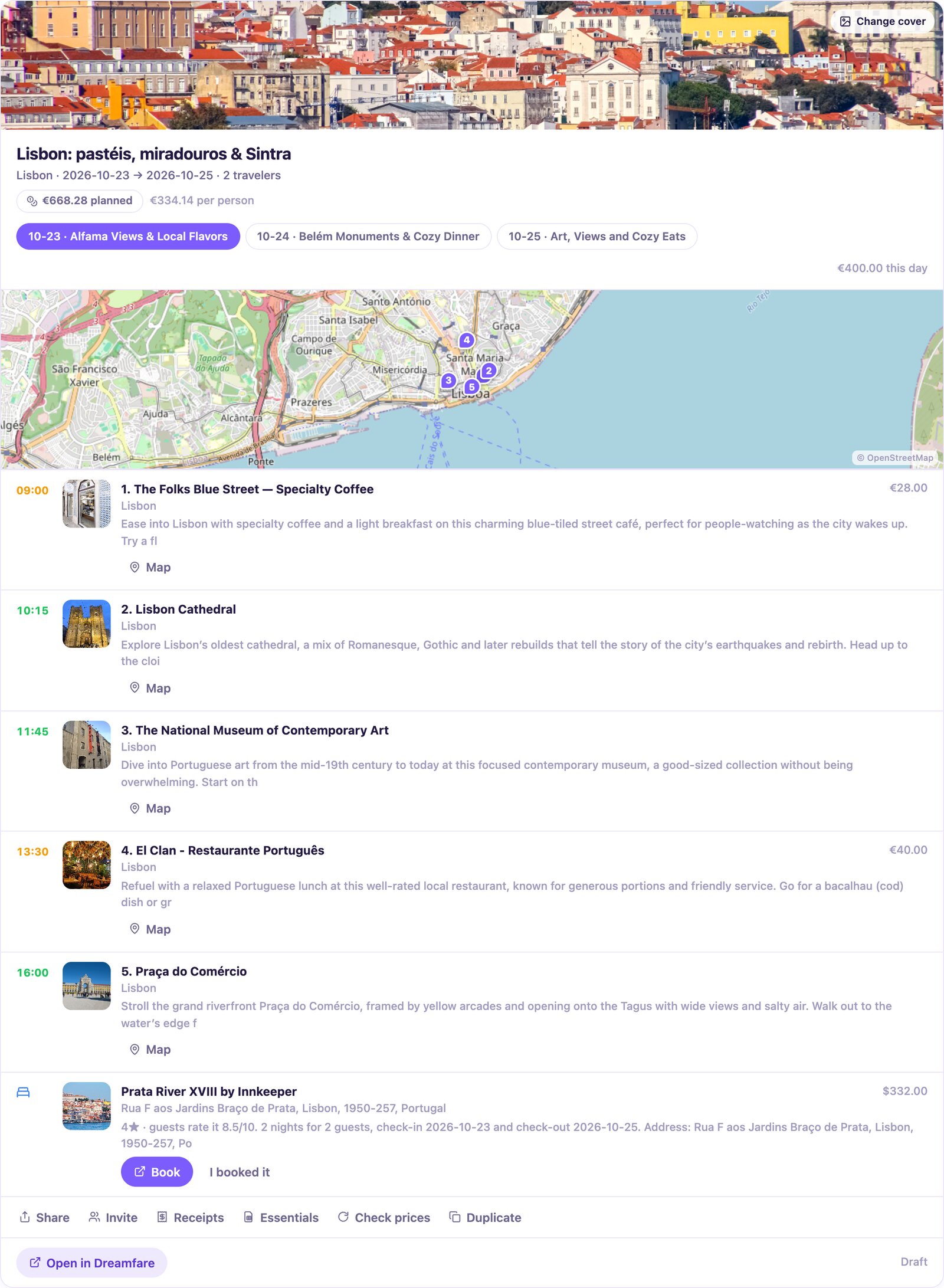
What is still unbooked on my Lisbon trip? Give me the booking links.
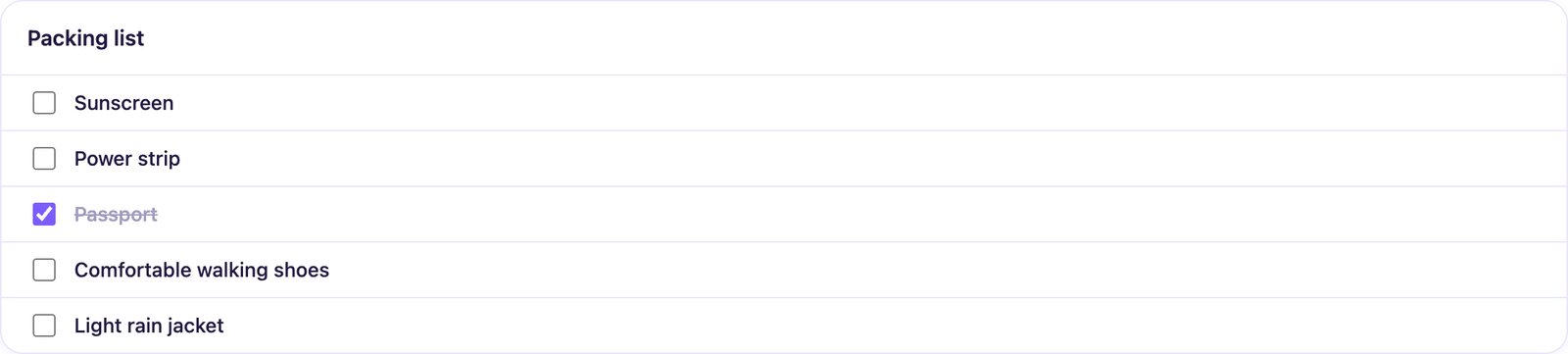
Add sunscreen, a power strip and a rain jacket to my Lisbon packing list, and tick off the passport.
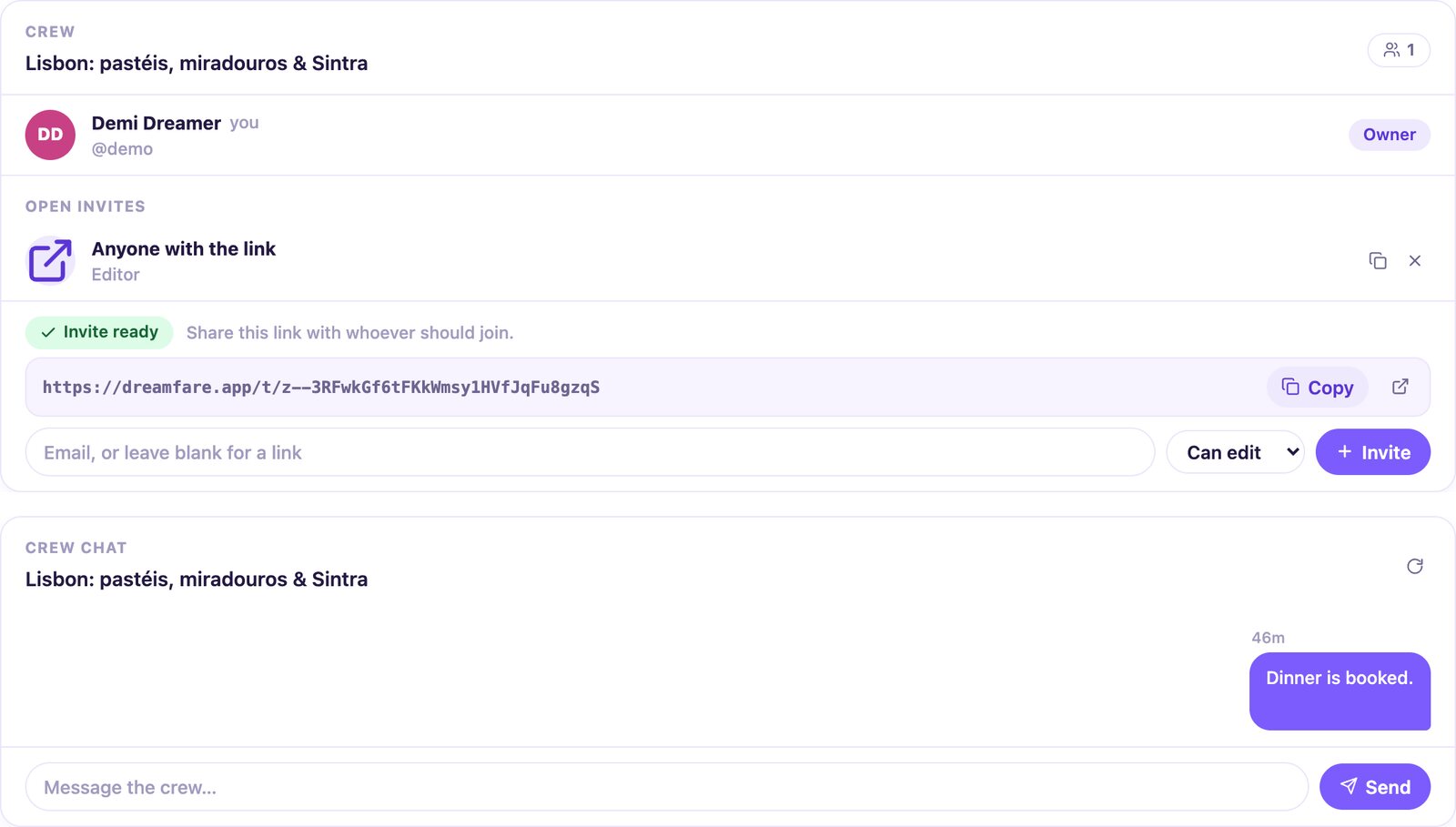
Make an invite link so a friend can edit my Lisbon trip, then post in the trip chat that dinner is booked.
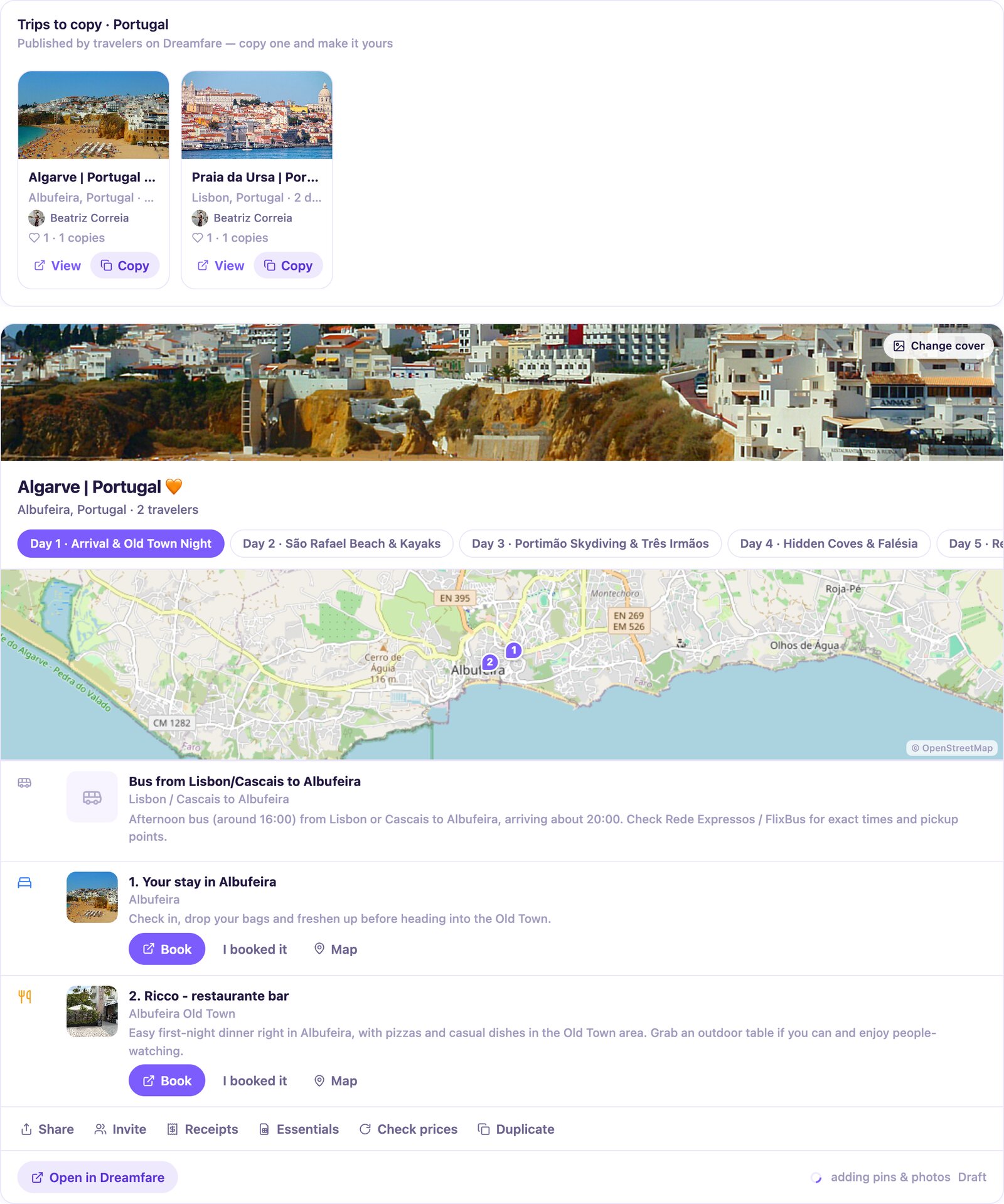
Show me trips other travelers published for Portugal, and copy the Algarve one into my plans.
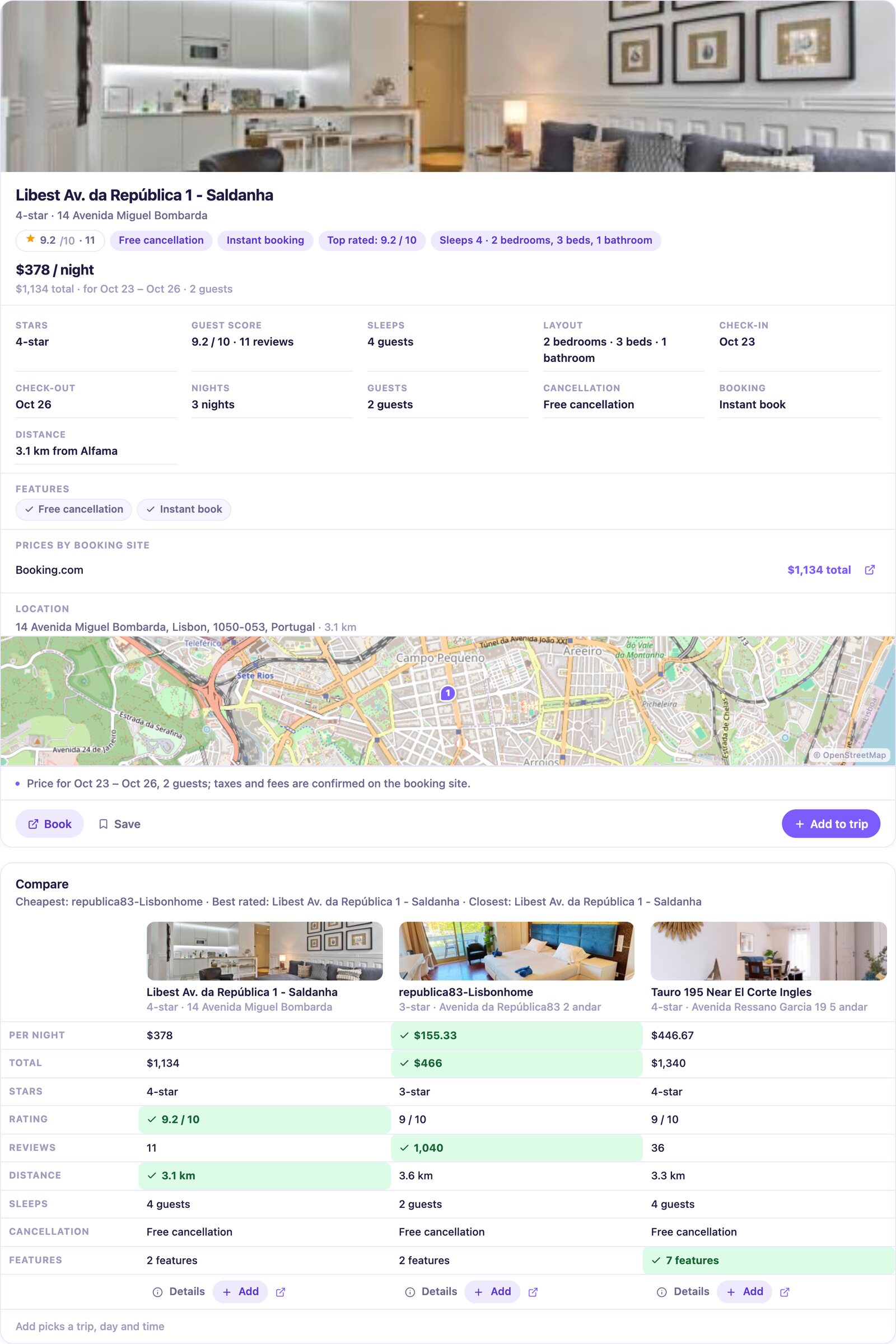
Find hotels near Alfama with free cancellation, tell me more about the best-rated one, then compare the top three.
Building an AI agent?
The same server is a general-purpose travel MCP: trip creation and editing, AI itinerary planning, hotel and activity search, place discovery, travel video import and trip sharing, callable from Claude Code, Cursor, VS Code or your own code with OAuth 2.1. The tool catalog is readable without signing in.
Privacy and control
The connector acts only on your own Dreamfare account, with the same permissions you have in the app. Shared trips respect their crew roles. Video imports use your plan or Stardust credits, exactly as they do in the app. Read the privacy policy for the full picture.
New to Dreamfare?
Create a free account first, or just start a connection from your assistant and sign up on the way.
Create your accountAI planning and imports use your account's current plan or Stardust allowance. The app shows access, available credits and action costs. Premium offers a free trial where available; check the current offering and renewal terms before subscribing.
Plans, credits and partner checkout